Features
Owner Portal
Fewer status calls. Owners who stay. Give every property owner a clear window into their listings: statements, their own stays, and live performance, all inside the same Hostaway dashboard, with you deciding exactly what each owner can access.
What the owner portal is
The Hostaway owner portal is owner-scoped access to the same dashboard your team already uses. There's no second system to maintain. You create each owner as a restricted user, assign the listings they own, and toggle which modules they can open.
- An owner sees their own properties and nothing else
- You decide per owner: full financials or just the calendar
- Every module is off by default until you switch it on
Want the long-form version? Read the complete owner portal guide, or check the glossary definitions for owner portal and owner statements.
Statements owners read without calling you
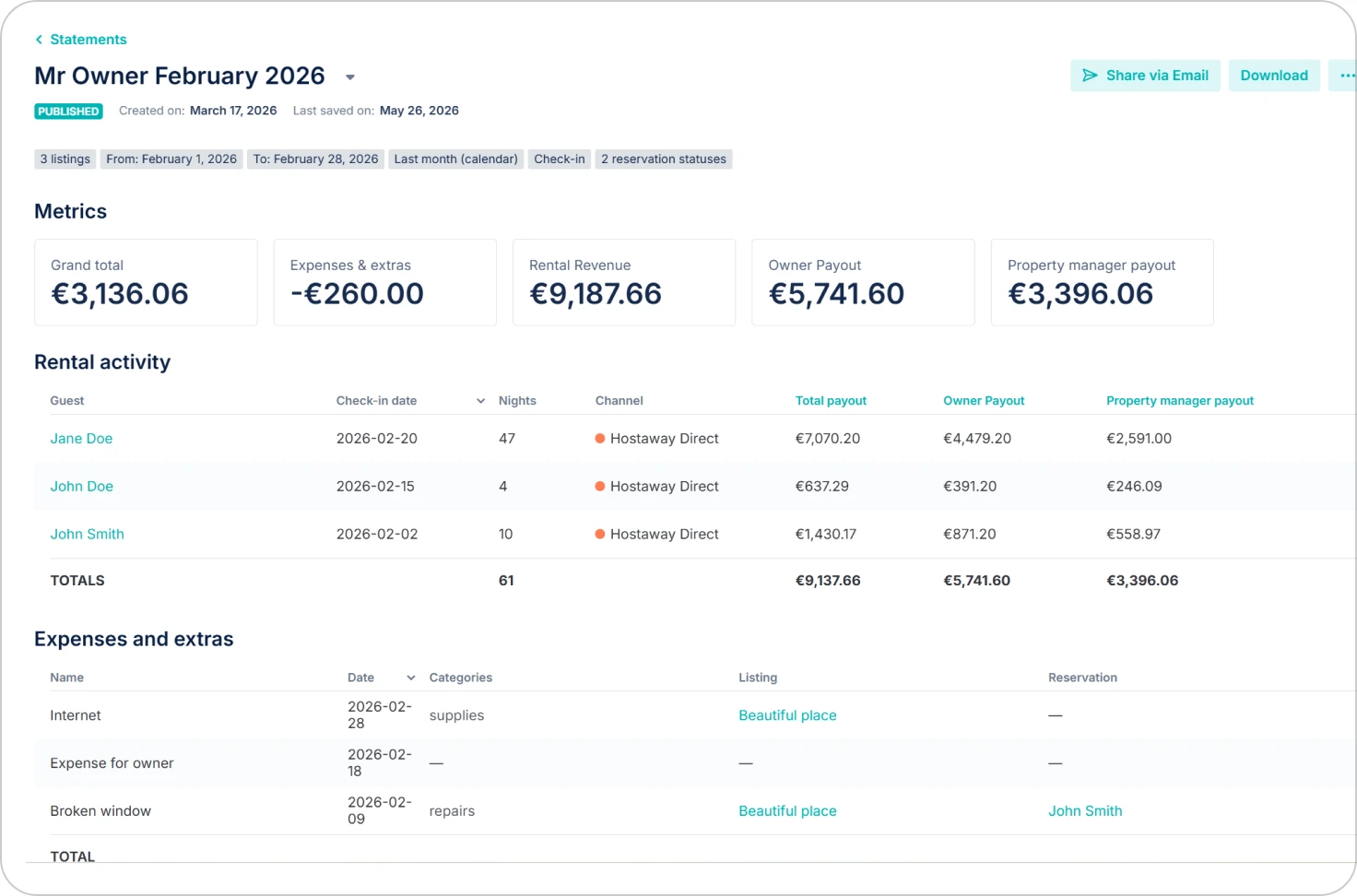
Owner Statements is the module owners care about most, because it answers the question behind most owner calls: what did I earn this month? Each statement pulls income and expenses into one document an owner reads without picking up the phone, built from six sections.
Metrics
Headline summary boxes with the grand total, expenses, and the formulas behind each figure, so an owner reads the outcome before the detail.
Rental Activity
Income per reservation or per listing: rental income, fees, taxes, payout, and property manager commission, with customizable columns.
Expenses and Extras
Management fees, maintenance, vendor payments, and utilities, pulled in automatically by date and listing or date and owner match.
Attachments
Receipts and supporting documents attached to the statement so an owner can trace a line item to its source.
Grand Total
Property manager payout and owner payout, with support for a percentage deduction applied after expenses.
Contact and Statement Details
Contacts, invoice ID, notes, and your logo, so the finished statement carries your branding and reference data.
Built manually or on autopilot
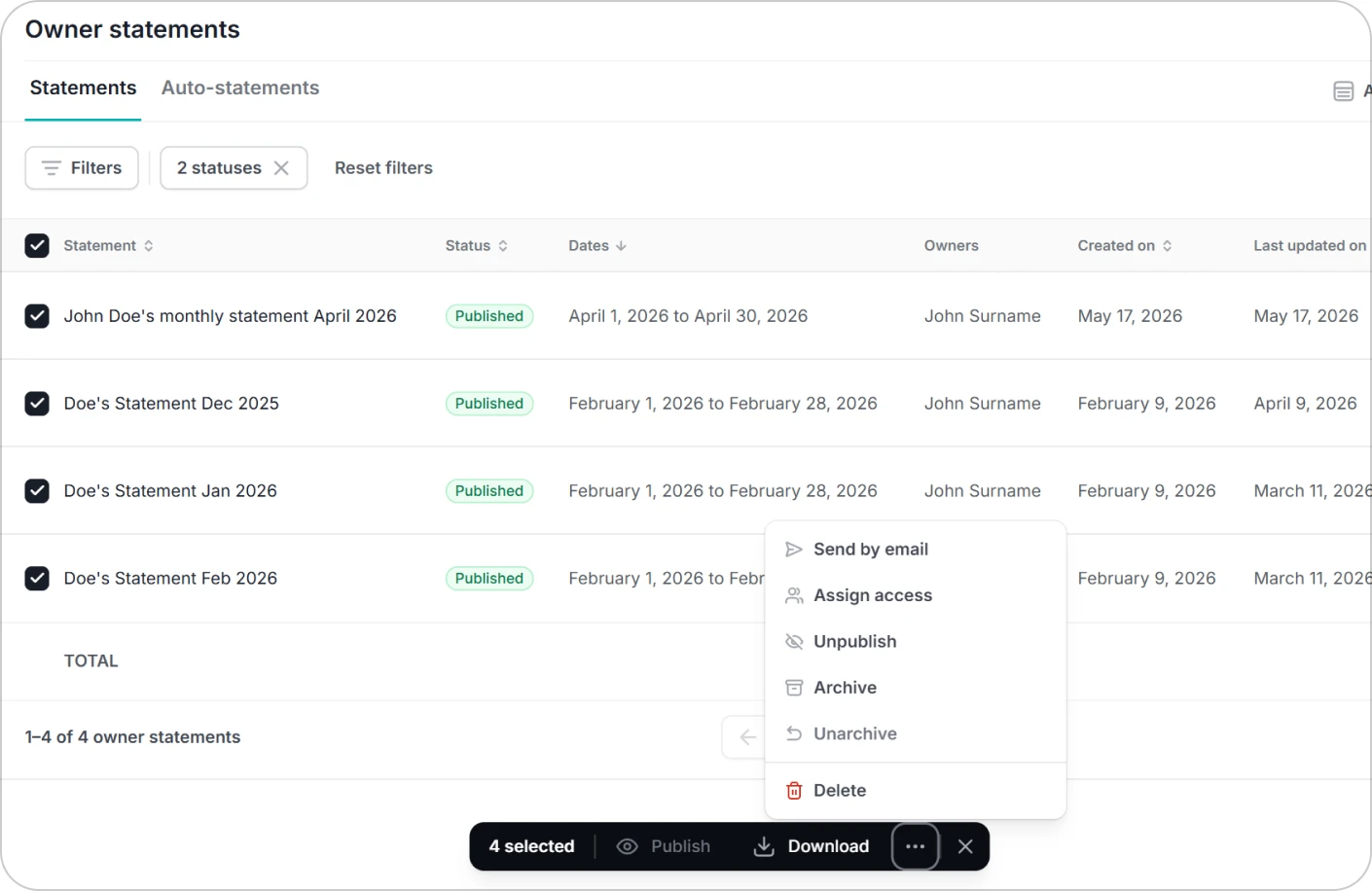
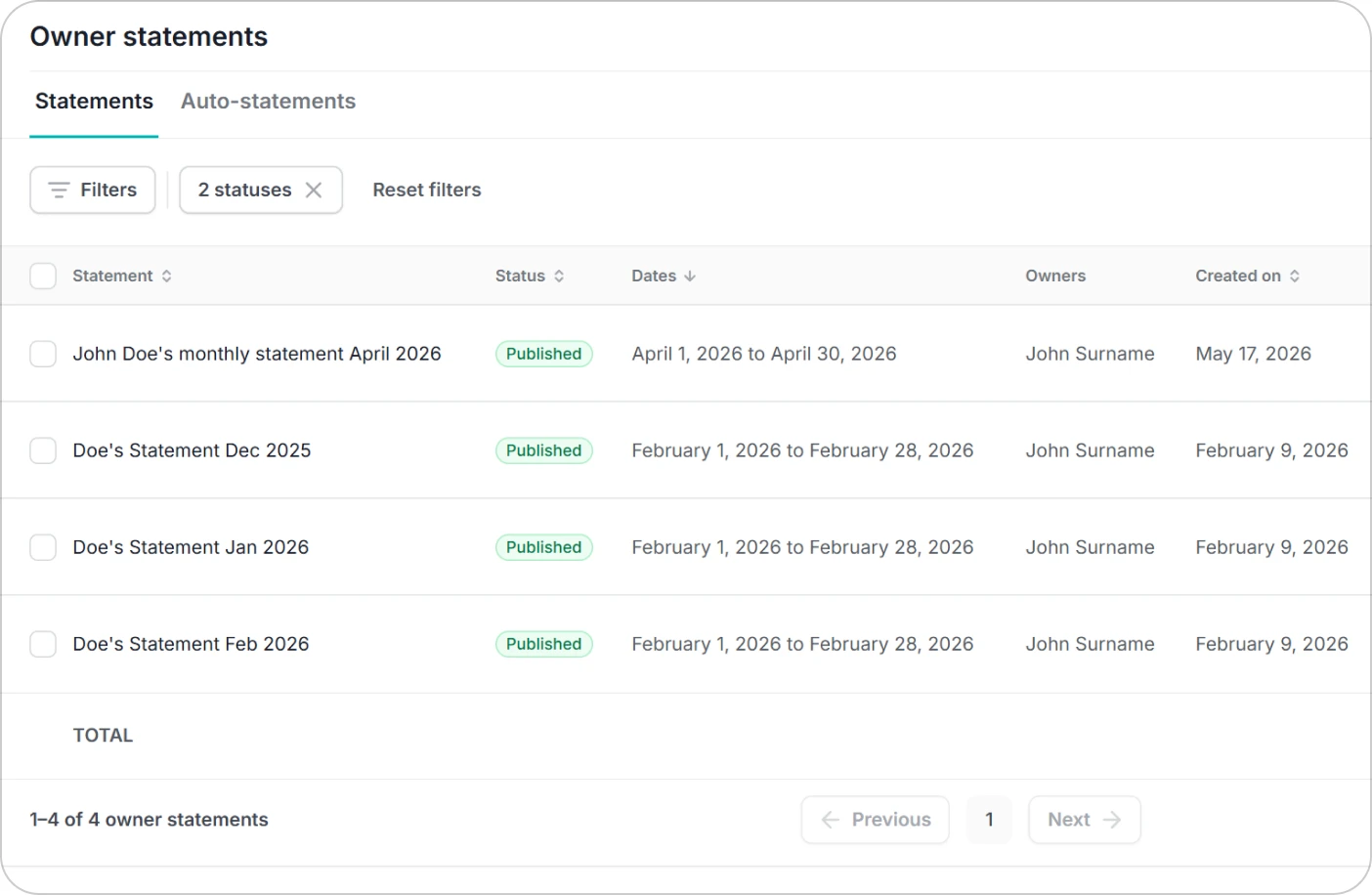
Build a statement manually, duplicate an earlier one, work from a template, or schedule a monthly auto-statement that saves as a draft or publishes and emails on its own: statements that send themselves. You can export them to share with owners, and the PDF layout fits roughly twelve to thirteen columns, so the Rental Activity table stays readable in a shared file. See owner statements.
Owner Stays and access permissions
Many owners use their property themselves during the year. With Owner Stays enabled, an owner blocks their own dates from inside the portal, so personal use lands on the calendar without a back-and-forth email.
Every module is off by default. The property manager turns on Owner Statements, Owner Stays, and financial visibility per owner, which means a hands-off owner and a detail-focused owner can each get the view that suits them from the same account.
Mobile Owner Experience
When a manager activates the Owner Experience for an owner, that owner signs in to the same Hostaway mobile app. The home screen shows a financial snapshot with occupancy rate and average nightly rate, a Statements tab lists each statement with its total payout and a download, and owners can book their own stays without emailing the manager.
It puts the same financial snapshot in an owner's pocket. Access is per owner: nothing appears until the manager switches it on, the same rule as every other portal module.
Why property managers roll it out
The owner portal earns its keep on both ends of a contract: it keeps current owners informed, and it gives you something real to show the next prospect.
Fewer status calls
When owners can open a login and see this month's statement and bookings, they ask for fewer updates and you spend less time on the phone.
One system, not two
Owners are scoped users of the dashboard your team already runs, so there's no separate site to build or maintain.
Statements that send themselves
Schedule a monthly auto-statement and it saves as a draft or publishes and emails on its own.
You decide every view
Each owner sees only their own properties, and you choose whether that means full financials or just the calendar.
Owner portal FAQs
See the owner portal in your account
Walk through owner statements, owner stays, and permissions with our team, or compare plans first.
Owners looking to sign in can head to the Hostaway owner login page.